Upload the original
Choose, drop, or paste a JPG, PNG, or WebP.
 aiupscaler.FREE · NO SIGN-UP
enhance old photo · free · no signup
Enlarge a scanned photo and improve visible edge and texture detail.
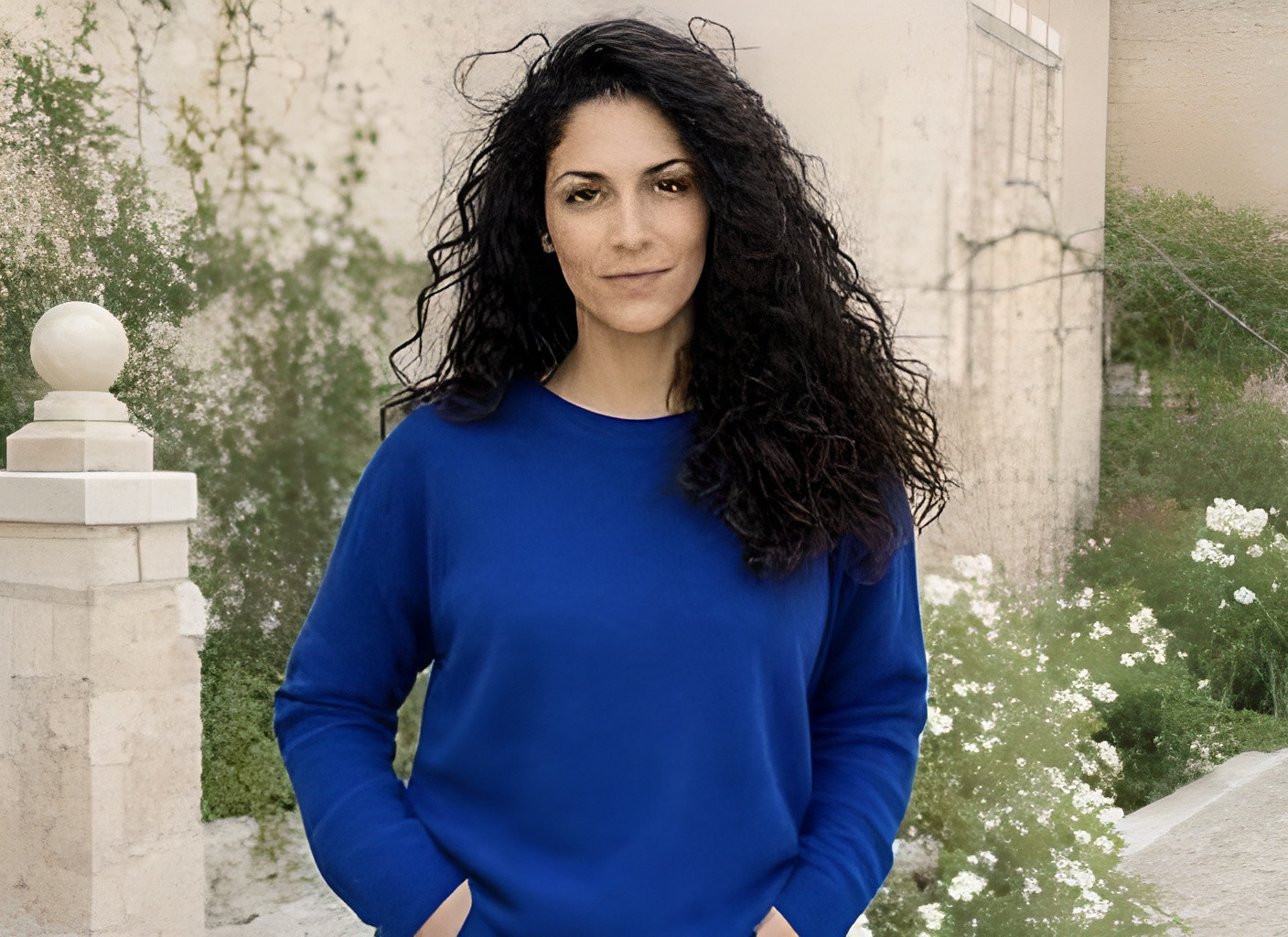
Your turn
Real-ESRGAN rebuilds it at 4× resolution.
Upload deleted after processing · no account · no watermark
Three small steps
A direct image enhancer, without an export gate.
Choose, drop, or paste a JPG, PNG, or WebP.
Real-ESRGAN enlarges the pixels and reconstructs likely texture.
Save the clean enhanced file immediately, with no watermark.
Detail you can inspect
Move across the proof to compare the same hair, fabric, text, and product pixels.
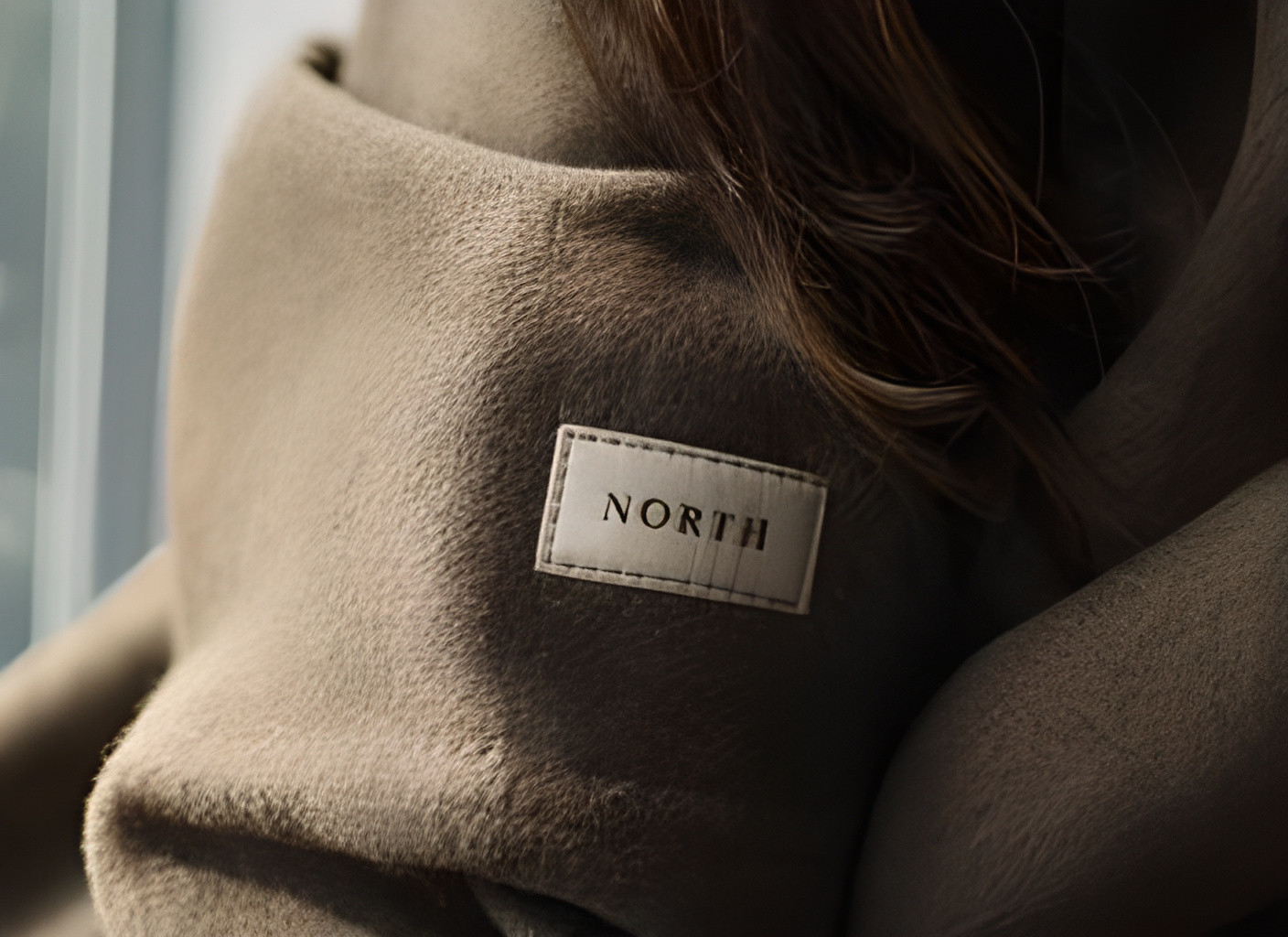
Turn a low-resolution download into a larger, cleaner working file.
Recover more believable edge and texture detail without painting over the person.
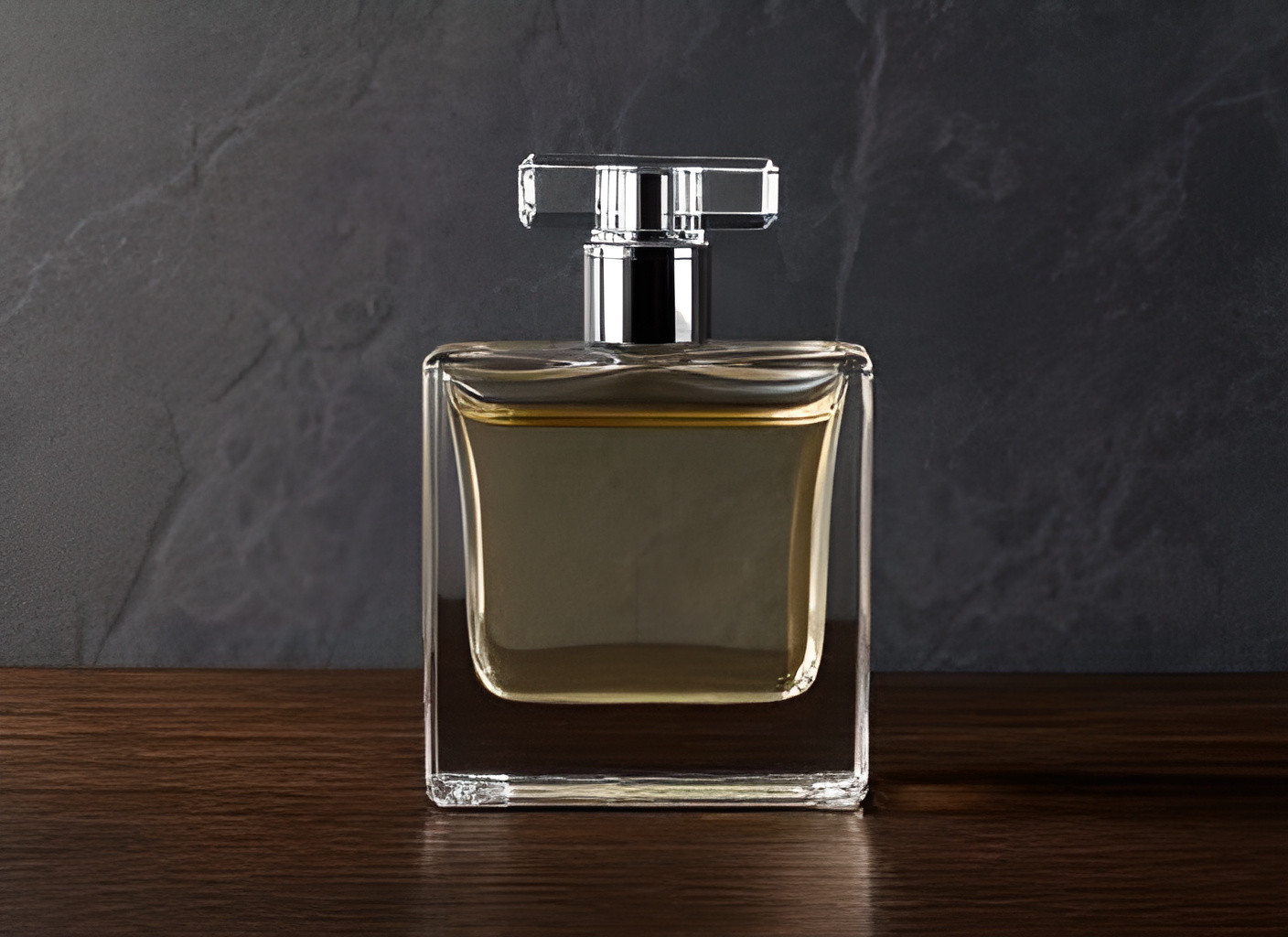
Make packaging edges, material texture, and reflections read more clearly.
FAQ
Yes. You can enhance and download the first result with no account, no paywall, and no watermark.
The default is a 4× enlargement. Provider safety limits can round the exact dimensions slightly for very unusual sizes.
Real-ESRGAN reconstructs likely fine detail. It can improve texture and edges, but it cannot recover facts that were never visible in the original.
It exists only in request memory during processing and is not saved to our database or object storage.
Upload JPG, PNG, or WebP files up to 20 MB. Large originals are resized locally before the request.